
Let’s get you started

Before we start, make sure to download the latest version of the Pay.aw App.

Already downloaded the app?
Let’s get you set up.

Get to know more things you can do with Pay.aw
Let’s Get Started
You’ve downloaded Pay.aw, now let’s get you registered.
How to Transfer Money from any Bank Account to Pay.aw
Sending money has never been easier, even if you’re using your banking app
How to Make a Payment using Pay.aw
Quickly Pay at any Vendor or User with the Pay Feature
How to Bank Out (Send Money from Pay.aw to your Bank)
Received a Payment? Move it from your Wallet to your Bank Account Easily.

But wait, there is a lot more!

Get to know more things you can do with Pay.aw
How to Bank Out (send money From Pay.aw to your Bank Account) – All Banks
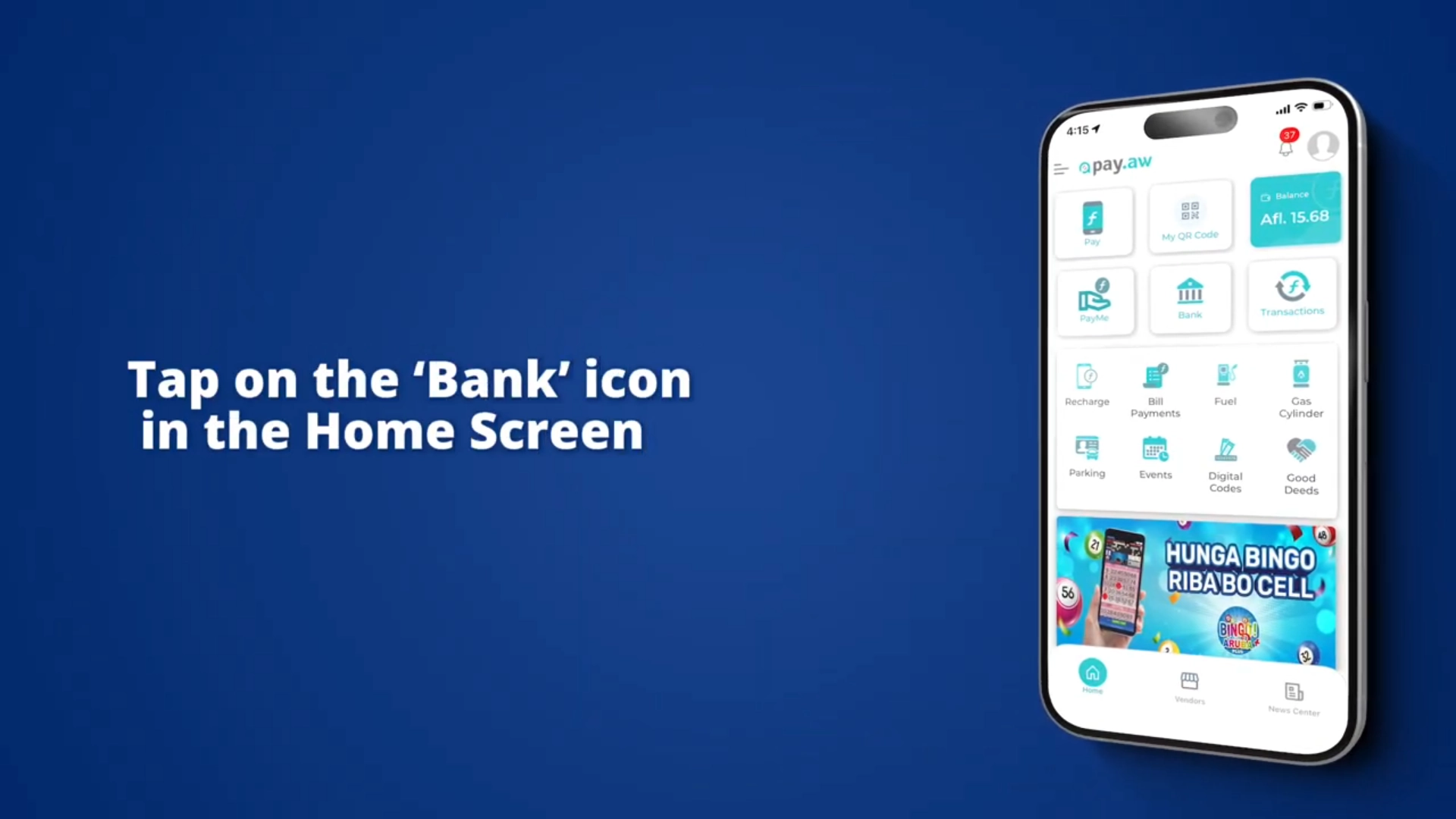
  • Tap on ‘Bank’ and then on ‘Wallet to Bank’
  • Enter the desired amount (or choose from one of the quick amount links)
  • Tap on ‘Continue’
  • Enter your PIN
  • Your Money is now automatically transferred from your Wallet to your Bank account
  • Please note that an Afl. 0.25 bank-out administration fee is applied by the Bank.
How to add Money to your Wallet after linking – Only for Aruba Bank:
  • Tap on the ‘Bank’ icon
  • Tap on ‘Bank to Wallet’
  • Enter the desired amount (or choose from one of the quick amount links). Please note that your Pay.aw wallet holds a maximum of Afl. 350 at any time.
  • Tap on ‘Continue’
  • Enter your PIN
  • Your Money is now automatically added to your Wallet
How to Link your Bank Account
  • Tap on the 3 grey lines in the top left corner of the Pay.aw App
  • Tap on ‘Bank Linking’
  • Enter First Name, Last Name, select your Bank, and add your Bank account number
  • Tap on ‘Continue’
  • Now, using your Bank’s online banking app (or browser), log into your bank account and from your online account statement, retrieve the 7-digit number immediately following “Pay.aw token:” which was just added to your account statement. You will find this 7-digit Pay.aw token in the description of your statement following an Afl. 0.01 credit from Pay.aw to your bank account.
  • Return to ‘Bank Settings’ in the Pay.aw app, add this 7-digit number in the Pay.aw token screen
  • Tap on ‘Submit’
  • The Bank will verify this token and, if correct, a message will appear that your bank-account was successfully linked
  • Now you can make direct and automatic bank-in and bank-out transactions to and from your Pay.aw wallet.
How to Link your Bank Account (To Send Money to and from your Wallet).


Bank Linking is possible with all local banks to get money from your Pay.aw Wallet to your Bank Account. To get money FROM your Bank Account TO your Pay.aw Wallet via Bank Linking is currently only possible with Aruba Bank.

How to make a Bank Transfer: (All Banks)

Customers that have a Local Bank Account and Online Banking can send money to ANY Pay.aw Wallet.

How do you do this? Simple:

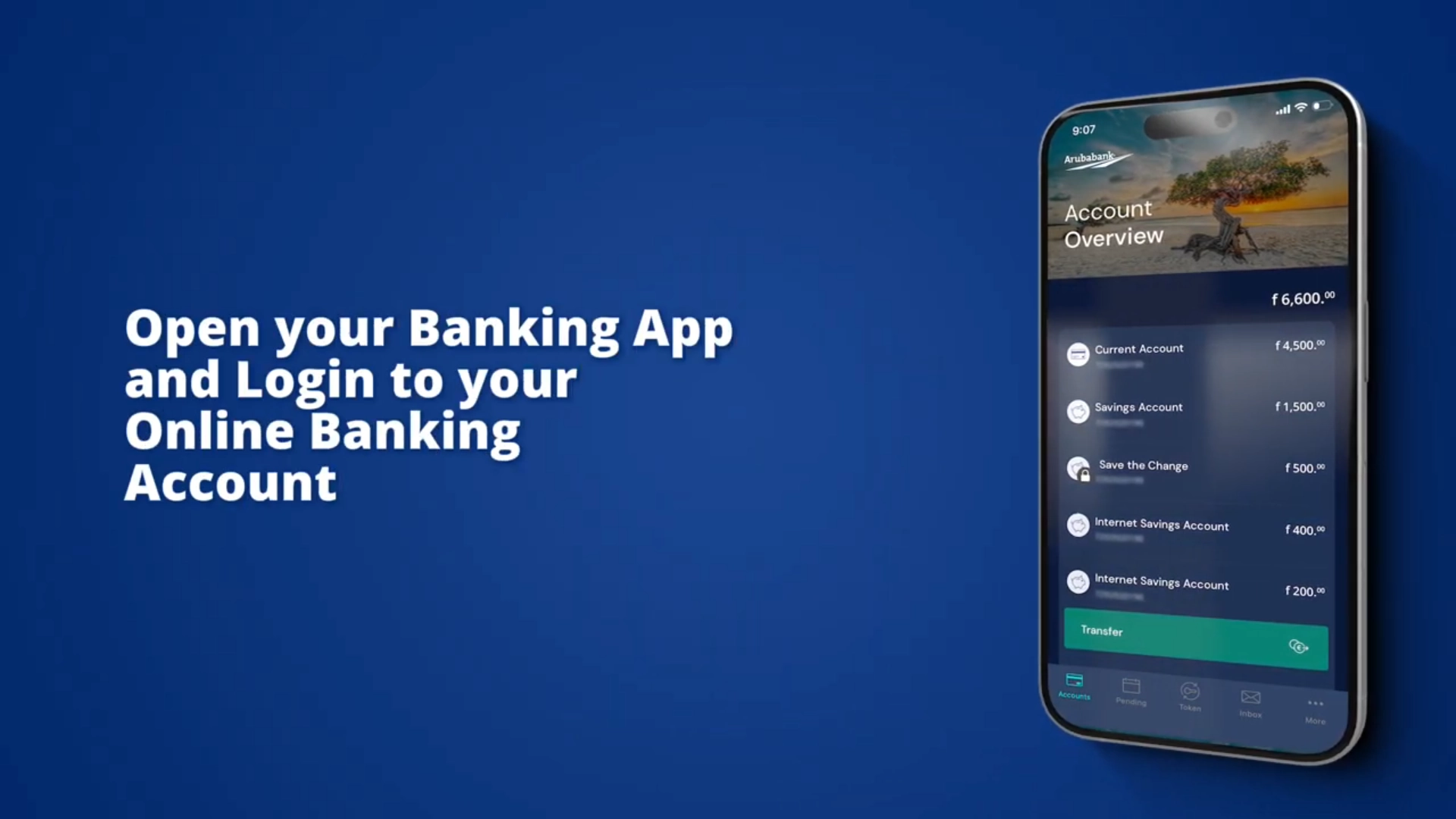
Open your Banking App or login to your Online Banking Account

Make a ‘Local Transfer’ to:

  • Name: Payaw
  • Account: 7292929
  • Bank: Aruba Bank
  • Address (if applicable): Seroe Blanco 29 A
  • Purpose (if applicable): 1010-Consumer Goods
  • Description/Payment Detail/Transfer Details: Enter only the 7-Digit Mobile Number of the wallet that you’d like to credit. So, example “5612345” or “7412345”. No spaces, no dashes, no +297, ONLY the Mobile number.
  • Send

Once you hit send, the transfer will go from your bank account to the Pay.aw Wallet you entered.

How to send a PayMe Request:
  • Open your Pay.aw app
  • In the App Dashboard tap on “PayMe”
  • At To. Enter the phone number of the person you’d like to end a PayMe request to
  • At Afl. Enter the amount you’d like to request
  • Enter a note or more information if you’d like
  • Then tap on ‘Send PayMe request’
  • You will receive a notification once your PayMe request is approved or denied
How to send a Peer to Peer Transfer:

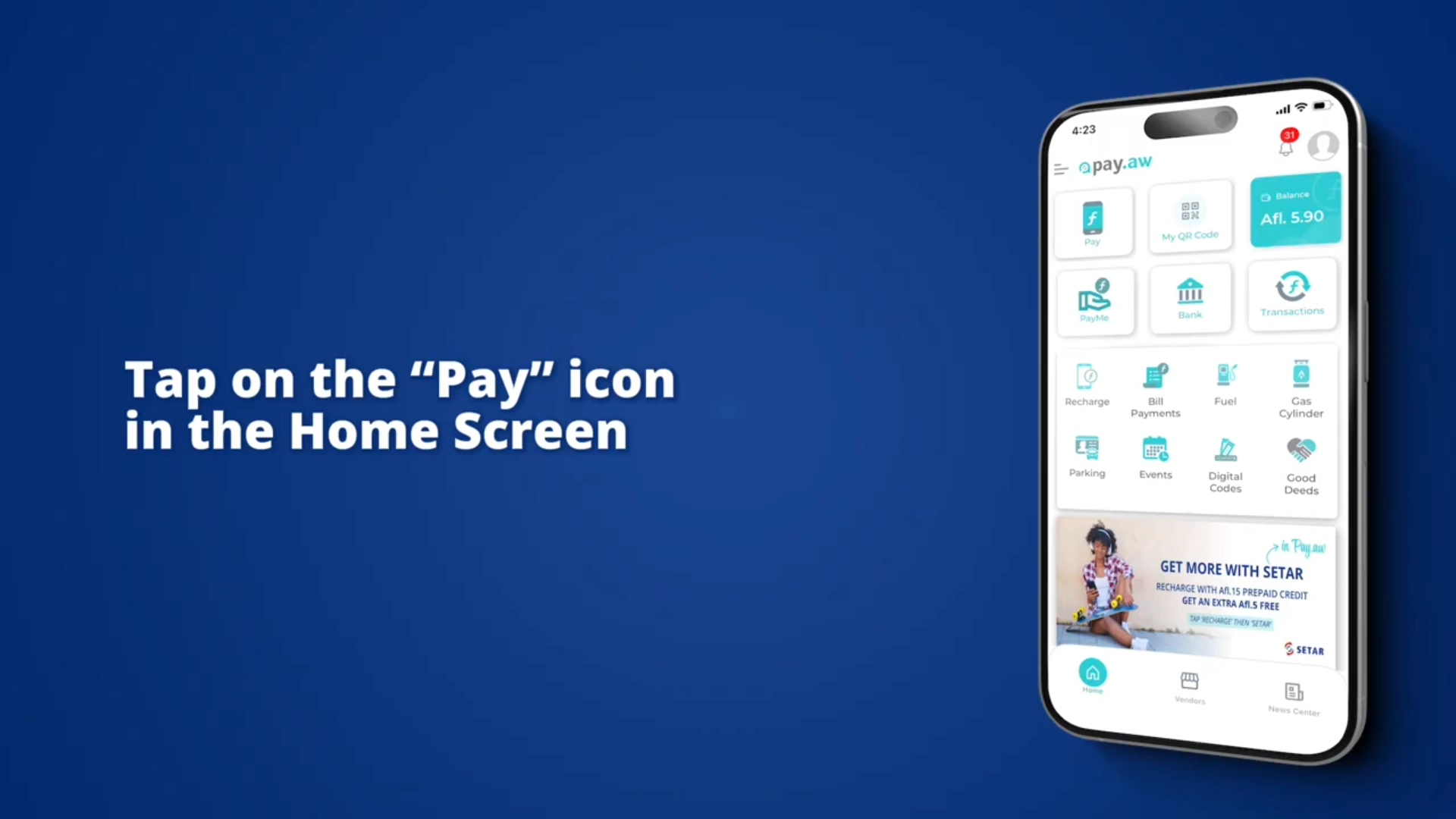
Ask another Pay.aw User with money in their wallet to Tap on the “Pay” icon in their home screen. Let them enter Your Pay.aw Mobile Number (Or Scan your Pay.aw QR Code), and the Amount they want to send, and tap on send. You now have money in your wallet.

Adding money to your Wallet

Don’t have a bank account? Or Don’t want to link your account?

No Bank Account, No problem! Another person can transfer money to your Pay.aw Wallet through Peer-to-Peer Transfer (via QR code Scanning or Mobile Number) or you can request funds from someone using the PayMe feature, or through a Bank Transfer from any local bank.

And as mentioned, if you DO have a bank account and do not want to link it yet, you can also use the steps below to get money in your wallet.