




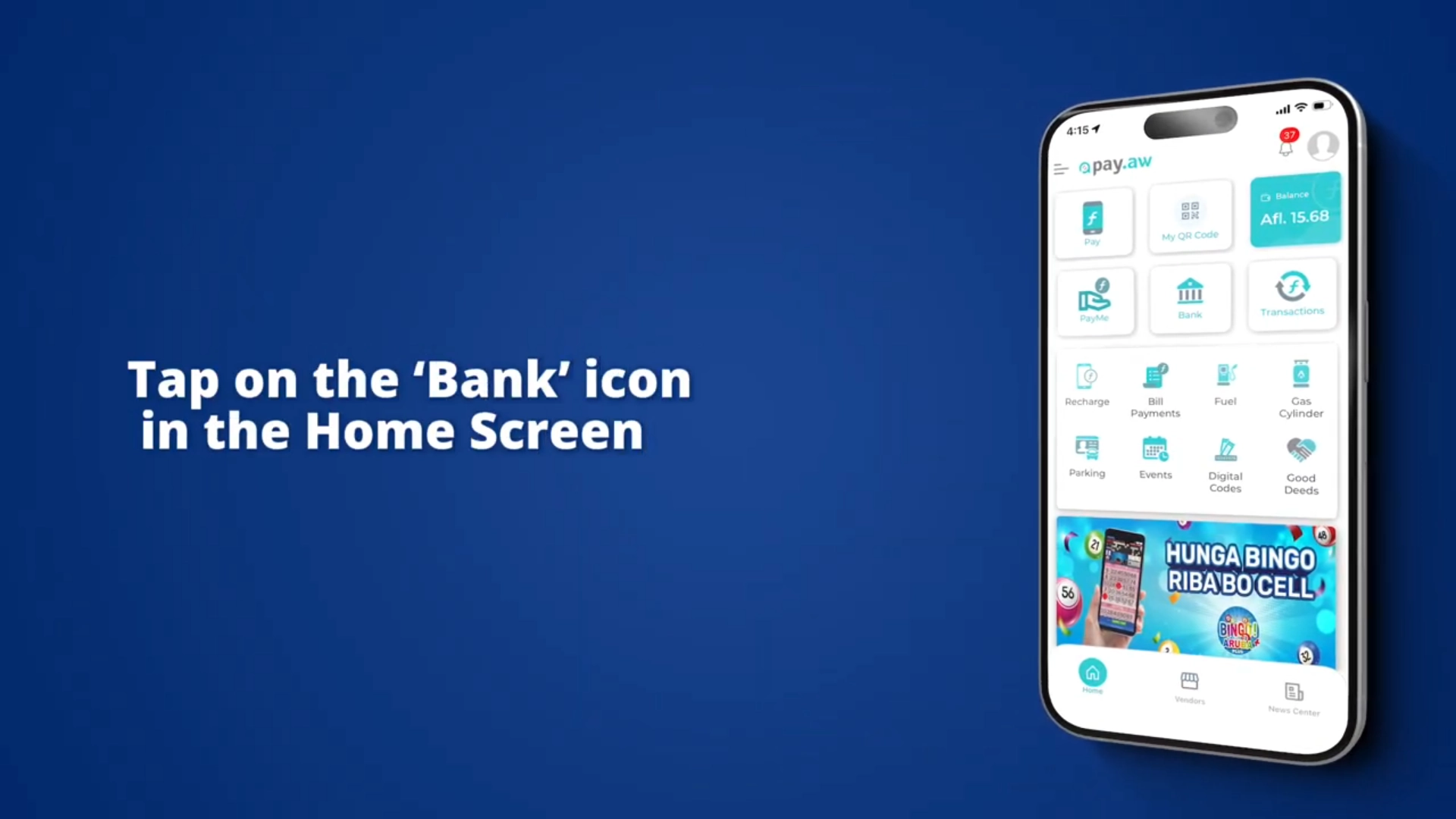

Bank Linking is possible with all local banks to get money from your Pay.aw Wallet to your Bank Account. To get money FROM your Bank Account TO your Pay.aw Wallet via Bank Linking is currently only possible with Aruba Bank.
Customers that have a Local Bank Account and Online Banking can send money to ANY Pay.aw Wallet.
How do you do this? Simple:
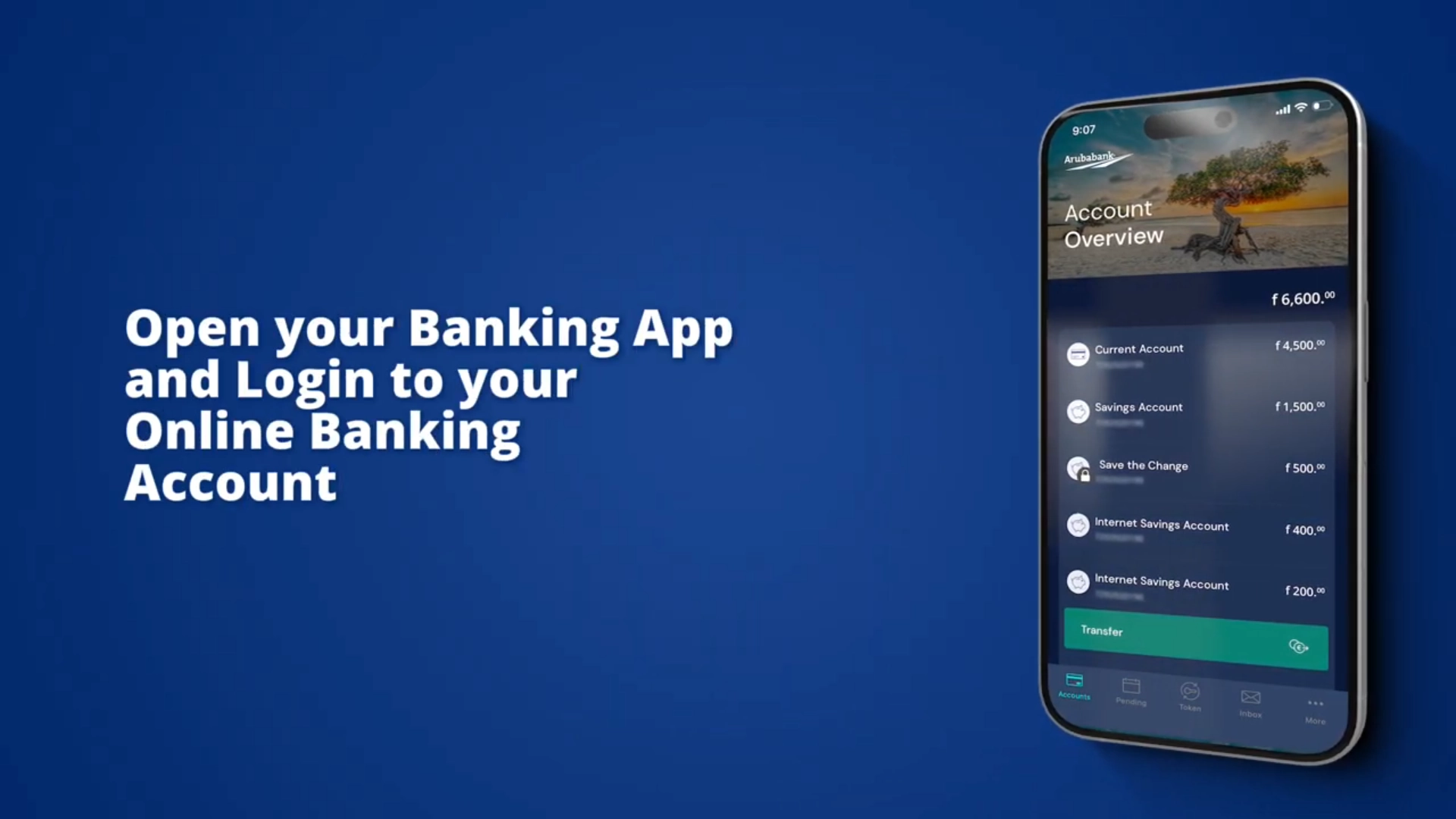
Open your Banking App or login to your Online Banking Account
Make a ‘Local Transfer’ to:
Once you hit send, the transfer will go from your bank account to the Pay.aw Wallet you entered.
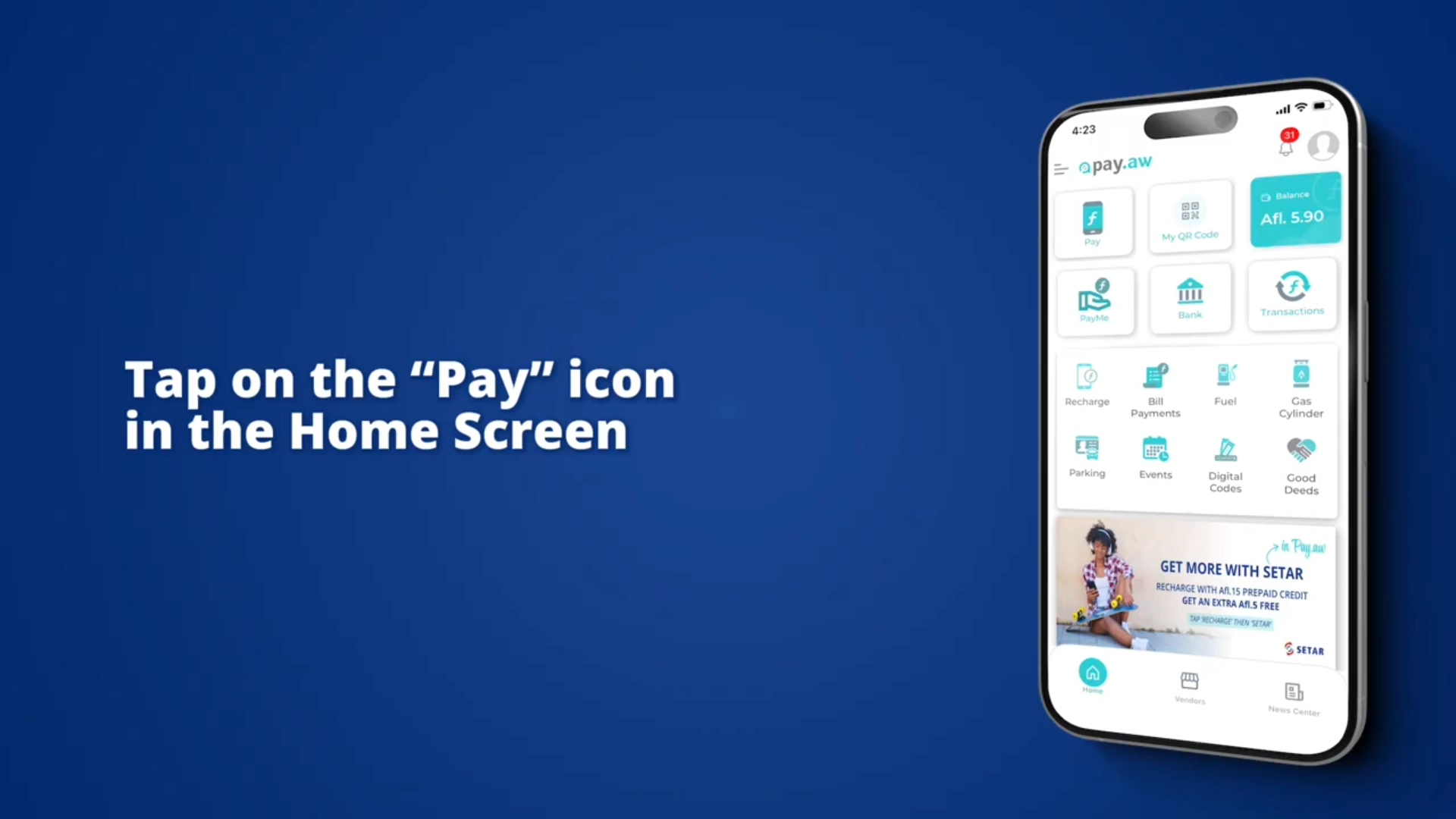
Ask another Pay.aw User with money in their wallet to Tap on the “Pay” icon in their home screen. Let them enter Your Pay.aw Mobile Number (Or Scan your Pay.aw QR Code), and the Amount they want to send, and tap on send. You now have money in your wallet.
Don’t have a bank account? Or Don’t want to link your account?
No Bank Account, No problem! Another person can transfer money to your Pay.aw Wallet through Peer-to-Peer Transfer (via QR code Scanning or Mobile Number) or you can request funds from someone using the PayMe feature, or through a Bank Transfer from any local bank.
And as mentioned, if you DO have a bank account and do not want to link it yet, you can also use the steps below to get money in your wallet.